--dry-run
Prints the plan and every tmux, Konsole or WezTerm command claudegrid would run. Nothing opens.
Claude Code, times four
claudegrid opens 2 to 16 Claude Code sessions side by side in Konsole, iTerm2, tmux, kitty or WezTerm, on Linux and macOS, and gives each pane its own task, model and git branch.
$ npm install -g @halitsever/claudegridLayouts
Columns by rows, or just a number of panes. Every split is sized so the panes come out equal, in every terminal. Pane 1 is top left and the rest follow in reading order.
$ claudegrid -l 2x2A task per pane
Every -p gives the next pane its first prompt. Pick a model for all of them, or set one per pane in a config file. Anything after -- goes to every claude.
$ claudegrid -m opus \
    -p "add a /health endpoint" \
    -p "fix the failing tests" \
    -p "review the diff"

▦ claudegrid my-app · 2x2 · KDE Konsole
   1 pane-1  ~/my-app
     claude --model opus 'add a /health endpoint'
   2 pane-2  ~/my-app
     claude --model opus 'fix the failing tests'
   3 pane-3  ~/my-app
     claude --model opus 'review the diff'
   4 pane-4  ~/my-app
     claude --model opus
✔ opened a Konsole window
Git worktrees
Four agents in one checkout overwrite each other. With -w each pane gets its own worktree and branch next to your repo. Open the grid again and every agent picks up where it stopped.
$ claudegrid -w -n 3
created worktree ~/code/app.claudegrid/grid-pane-1 (claudegrid/grid/pane-1)
created worktree ~/code/app.claudegrid/grid-pane-2 (claudegrid/grid/pane-2)
created worktree ~/code/app.claudegrid/grid-pane-3 (claudegrid/grid/pane-3)

$ claudegrid worktrees
claudegrid/grid/pane-1  clean, 3 commits ahead
claudegrid/grid/pane-2  2 changed
claudegrid/grid/pane-3  clean

$ claudegrid worktrees clean
warning: skipping claudegrid/grid/pane-2: 2 uncommitted changes
Presets
Put pane names, prompts, models and directories in .claudegrid.json. Presets are named variations you start with one word. The JSON Schema gives you autocomplete in your editor.
// .claudegrid.json
{
  "presets": {
    "review": {
      "model": "opus",
      "panes": [
        { "name": "bugs", "prompt": "Review the diff for bugs" },
        { "name": "security", "prompt": "Look for security problems" },
        { "name": "tests", "prompt": "List changes without a test" }
      ]
    }
  }
}

$ claudegrid review
Desktop app
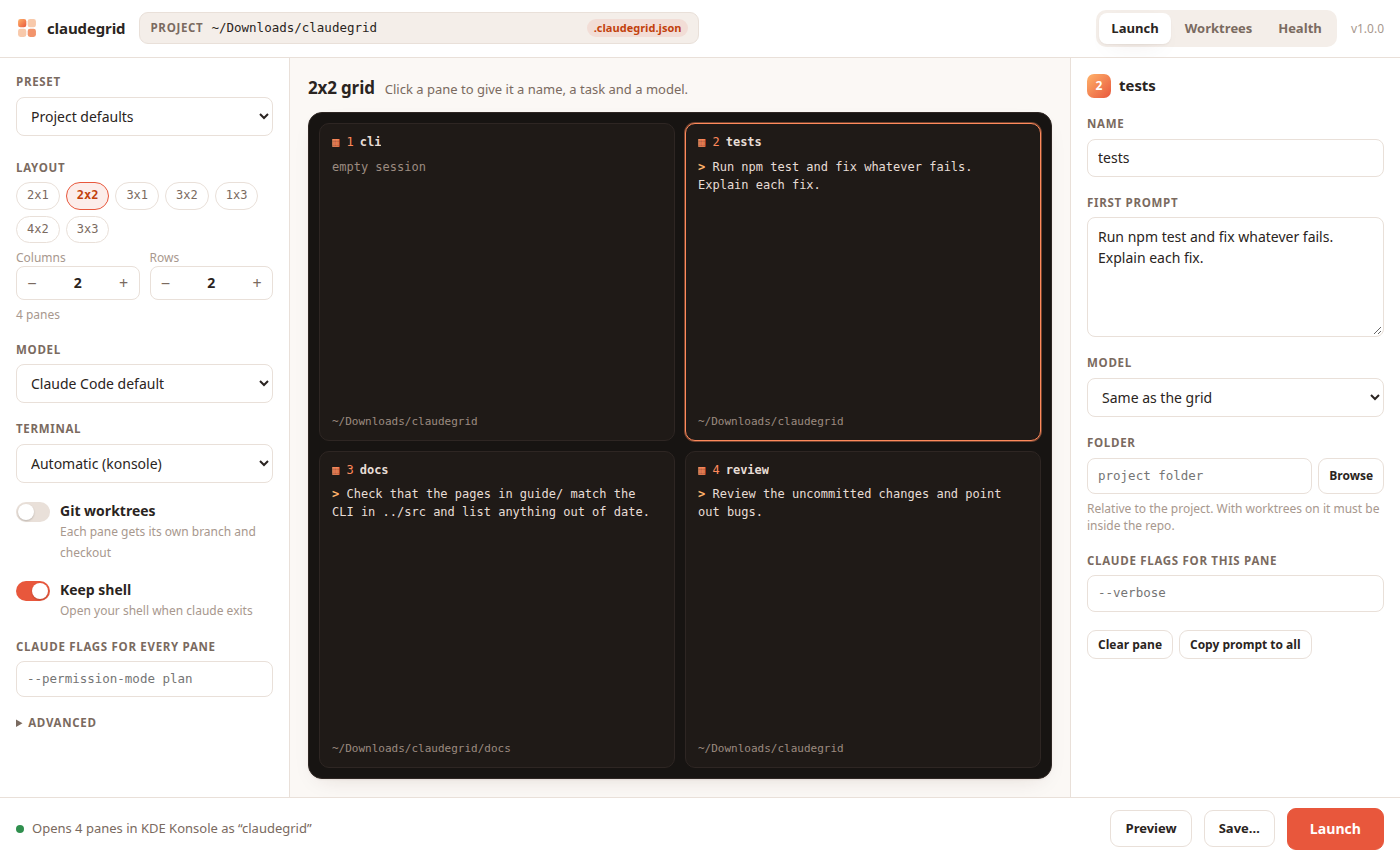
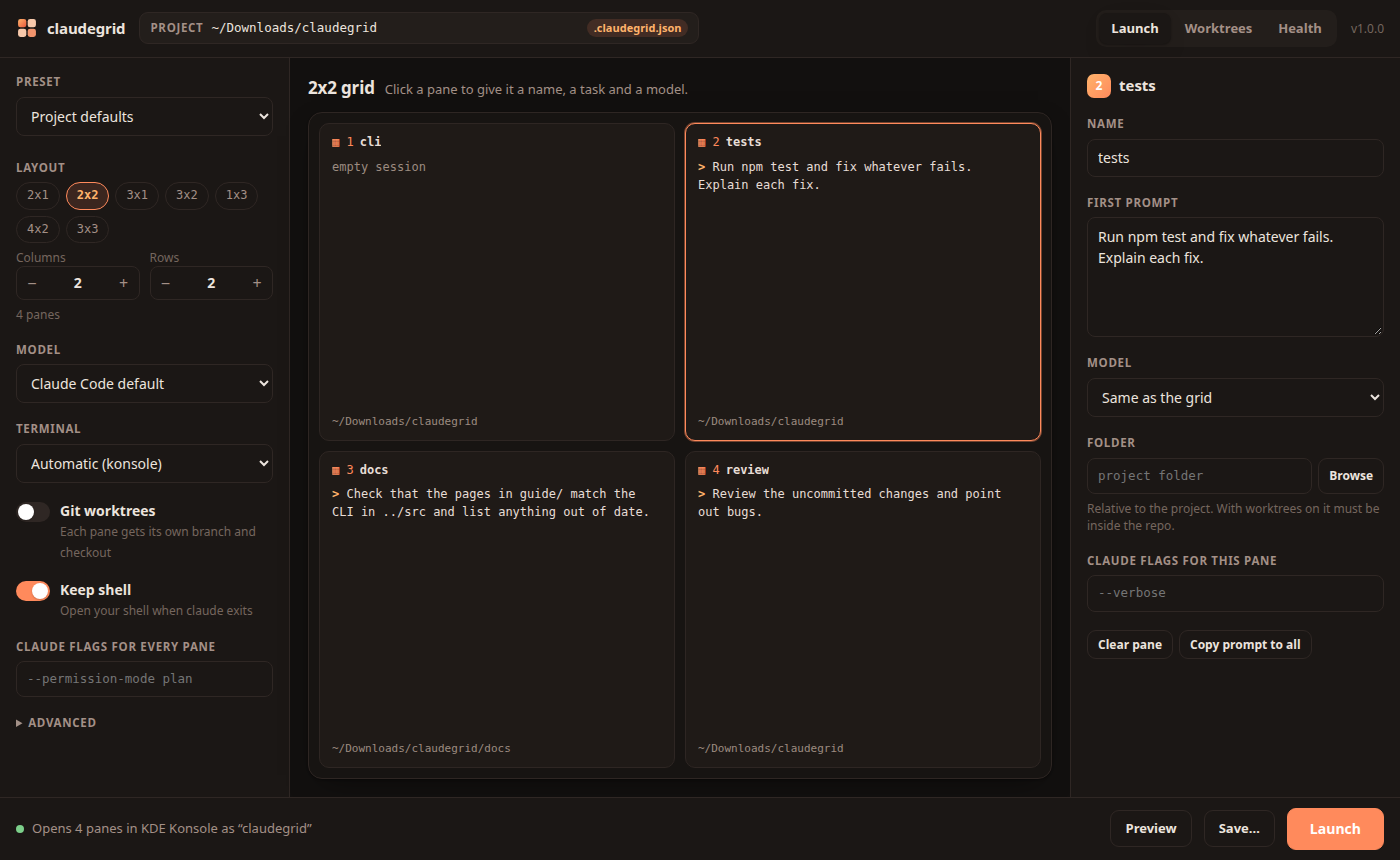
Run claudegrid ui or add it to your app menu with claudegrid desktop install. Pick a project, click a pane to give it a task, preview the commands and launch. Everything stays on your machine.
Safe to try
--dry-runPrints the plan and every tmux, Konsole or WezTerm command claudegrid would run. Nothing opens.
doctorChecks Node.js, Claude Code, git and each terminal, and tells you which one auto picks.
A typo in a flag, preset or config key stops the launch and suggests the right word.
error: .claudegrid.json: panes[1] has an unknown key "promt"
hint: did you mean "prompt"?

$ npm install -g @halitsever/claudegridNode.js 20+, Claude Code and one of the four terminals. Then run claudegrid in any project.