
Desktop app
Everything claudegrid does from the command line also works from a window:
claudegrid ui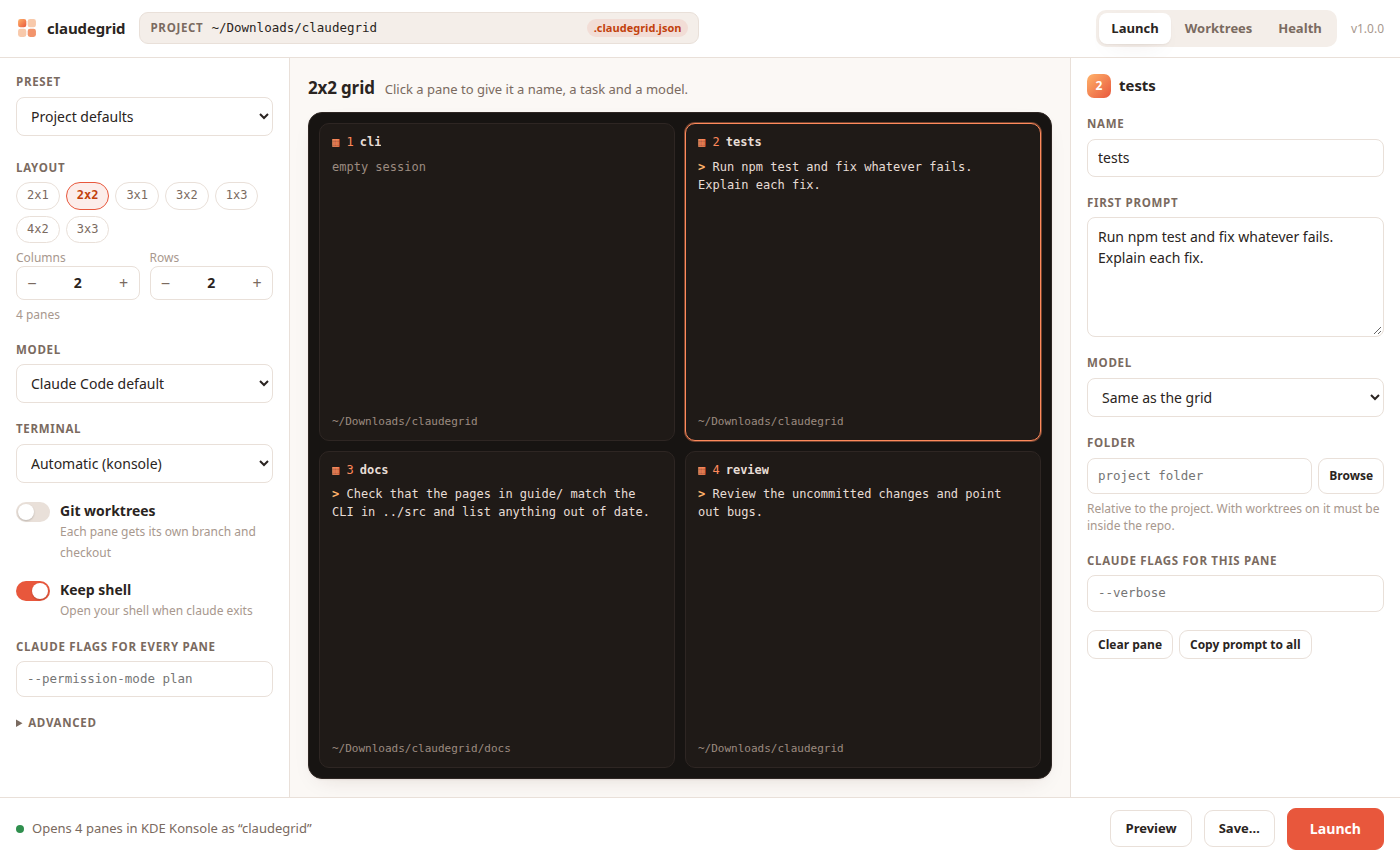
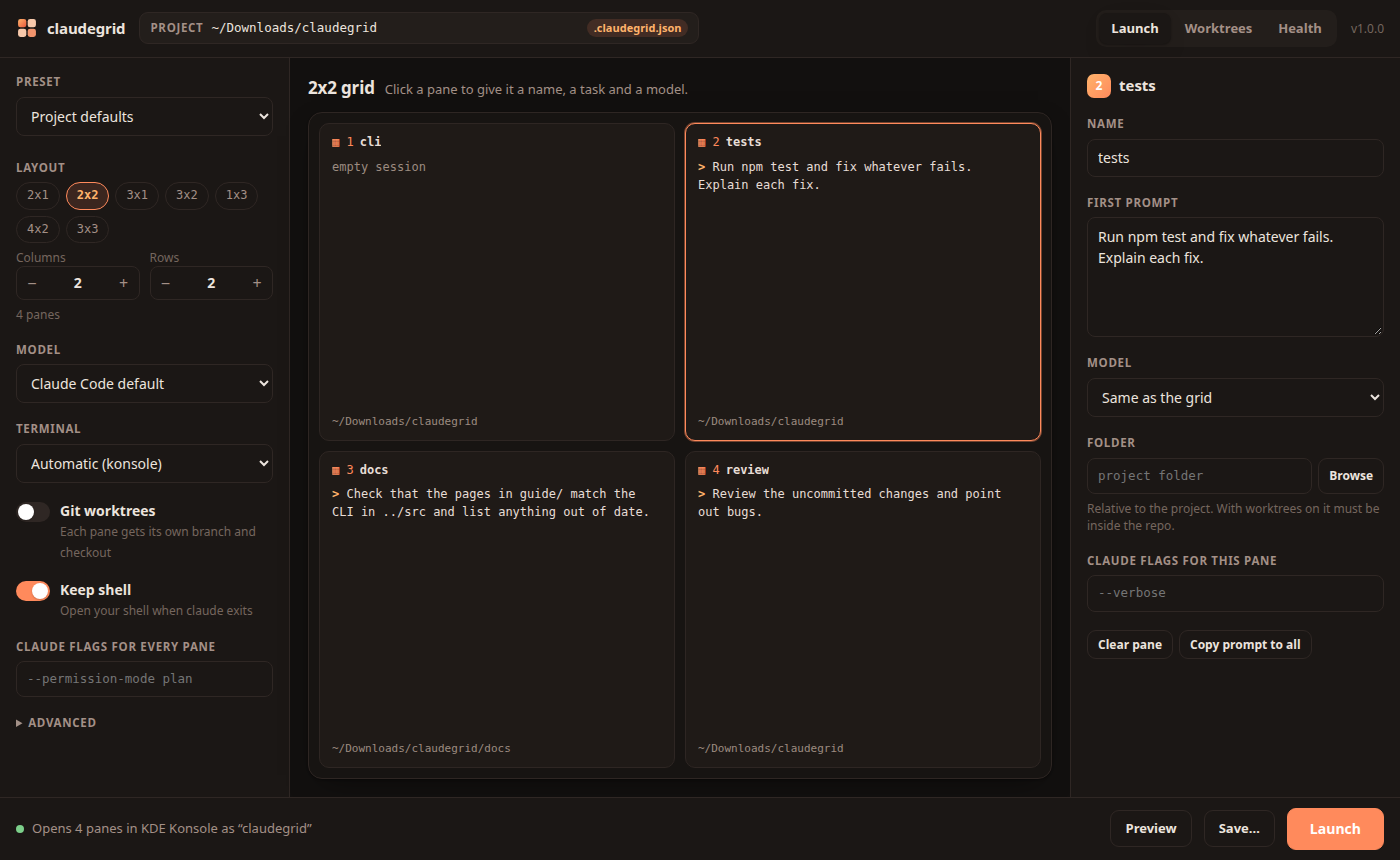
Add it to your app menu
claudegrid desktop installOn Linux this adds claudegrid to your application launcher (KDE, GNOME and any other desktop that reads ~/.local/share/applications), with the claudegrid icon. On macOS it creates ~/Applications/claudegrid.app, which shows up in Launchpad and Spotlight. Start it from there like any other app. claudegrid desktop uninstall removes it again.
What you can do in it
- Pick the project with the folder picker. Folders that are git repos or have a
.claudegrid.jsonare marked, and recent projects are one click away. - Choose a layout with the presets or the column and row steppers, up to 16 panes.
- Click a pane to give it a name, a first prompt, a model, a folder and its own Claude Code flags.
- Set grid-wide options: model, terminal, git worktrees, keep shell, flags for every pane, or another program than
claude. - Load a preset from your project or user config, change it, and launch.
- Preview shows the plan and every command claudegrid will run, the same as
--dry-run. - Save writes the current setup to
.claudegrid.json, as the project defaults or as a new preset. Folders are stored relative to the config file. - Launch opens the grid in your terminal.
Ctrl+Enterdoes the same. - Worktrees lists claudegrid's branches with their changes and commits ahead, and cleans the ones you select.
- Health shows the same checks as
claudegrid doctor.
Mistakes show up while you type, with the same messages as the CLI. Two panes with the same name, a folder outside the repo with worktrees on, or a terminal that isn't installed all block the Launch button until they are fixed.
How it runs
claudegrid ui starts a small web server on 127.0.0.1 with a random port and opens it as an app window in Chrome, Chromium, Brave, Edge or Arc, or in your default browser. Set CLAUDEGRID_BROWSER to pick another browser.
- Only your own machine can reach it, and every request needs a random token that is created at start and only appears in the link it opens.
- Requests from other websites are refused, so a page you visit cannot start agents.
- When you close the window, the server stops on its own after about a minute.
| Option | |
|---|---|
-C, --cwd <dir> | project to open first |
--port <port> | fixed port instead of a random one |
--no-open | only print the link. The server keeps running until Ctrl+C |
--keep-alive | keep running after the window closes |
Terminals from the app
Konsole, kitty and WezTerm open a new window as usual. tmux has no window of its own, so a grid started from the app runs in the background and the app tells you how to attach:
tmux attach -t claudegrid-my-app